AI hairstyle changer for cuts and color.
Explore six hair directions, from a short bob to long layers and soft curls. Bring a clearer visual idea to your next salon conversation, using your own portrait as the starting point.
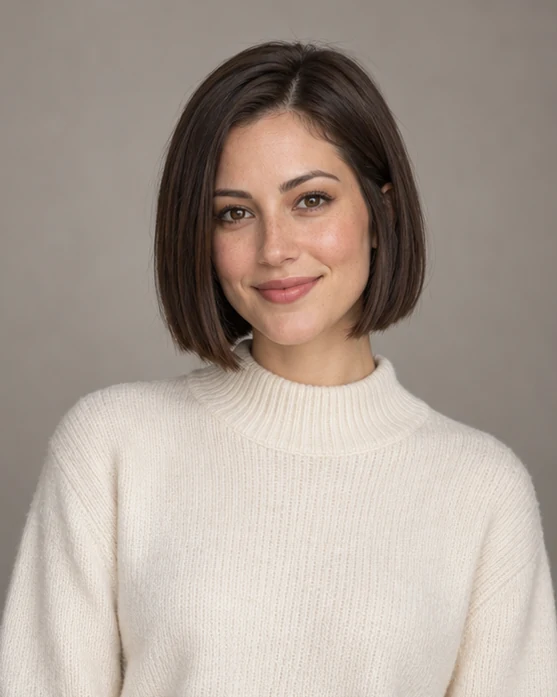
Start with the shape you want to explore
A chin-length bob creates a compact outline, while long layers keep length and soften the silhouette. Choose one change at a time so you can compare the result with your original photo. The style supplies a focused instruction; the example image illustrates the look rather than predicting the haircut on you.
Explore hairstyles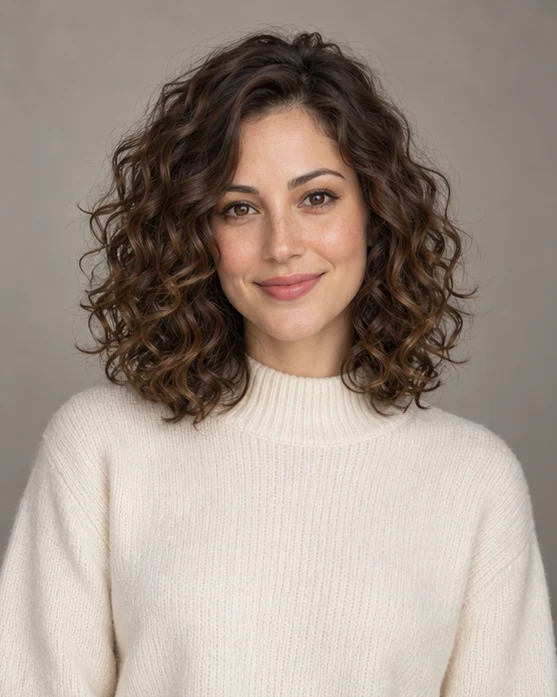
Make room for texture and volume
For curls or a new fringe, choose an evenly lit portrait with the face and hairline visible. Leave space around the head, remove hats and avoid heavy filters. Soft curls, curtain bangs and a textured pixie each frame the face differently; clear input helps communicate what should remain recognizable.
Explore hairstyles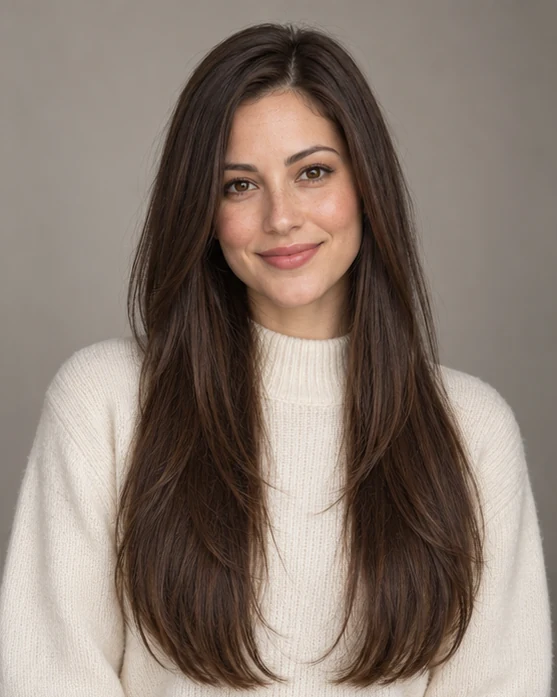
Take the idea beyond the preview
Review the hairline, length and volume as well as any changes to your face. Long layers may suggest a shape you like, but the image cannot predict your natural density, texture or styling routine. Save the direction you prefer and discuss what it would require with your stylist.
Explore hairstylesBefore you create.
Which hairstyles can I explore?+
The current choices are soft curls, short bob, long layers, textured pixie, curtain bangs and warm auburn. The auburn option requests a color change; the other directions focus on cut or texture.
Will this change only my hair?+
The prompt asks for a focused hair change, but generative editing can also alter facial details or the background. Compare the result with your original before treating it as a useful haircut reference.
Does this have a length slider or a manual hair mask?+
No. Choose a preset and, where useful, add a written creative direction. There is no precise length slider or brush-based hair mask.