AI headshot generator for work profiles.
Choose a crisp business look, a creative backdrop or an outdoor setting. Use a clear reference photo to explore a profile image that fits your work and personality.
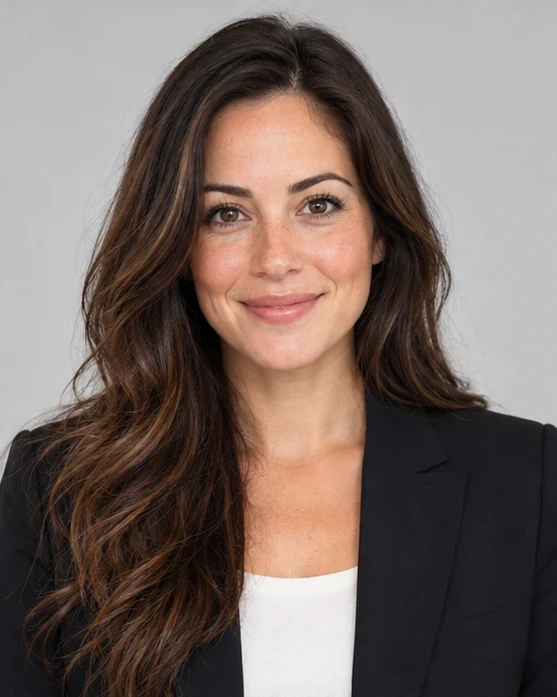
Choose the setting that fits your introduction
A CV portrait keeps the composition simple; business attire adds a more formal presentation. Creative and outdoor directions offer a different mood for a personal website or speaker biography. Think about where the image will appear, then choose the setting and crop that suit that context. Generated clothing does not establish a real role or credential.
Choose a headshot style
Give the face a clear starting point
Use a recent photo with even light, visible eyes and room around your head and shoulders. If you add references, keep them to the same person. You can switch between styles in this tool while retaining your selected photos, then check the new creative direction before generating. Extra references do not create a trained headshot package.
Choose a headshot style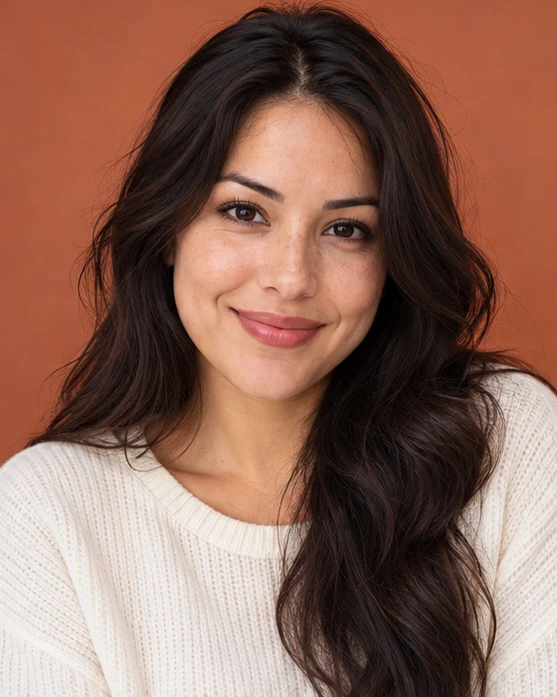
Review the portrait in its intended setting
Check resemblance, eyes, hair and clothing edges before using a result on a work profile. A colored backdrop can stand out, while a quieter setting may suit a small profile crop. Keep a result that feels appropriate for how you present yourself, and inspect the full image rather than judging it only as a thumbnail.
Choose a headshot styleBefore you create.
Can I start with an ordinary selfie?+
Yes, a clear selfie can serve as a reference. Avoid extreme close-ups, sunglasses, heavy beauty filters and group photos.
Can I compare several headshot styles?+
You can switch styles within this tool while retaining your selected reference photos. Each submitted generation is a separate task; check its output options and credit quote before submitting.
Is this suitable for a passport or identity check?+
This tool makes creative profile portraits. It does not provide identity-document photography or guarantee acceptance by a passport, visa or verification service.