
AI photo generator for portraits and keepsakes.
Find a scene for your portrait, a miniature look for your pet or a memory to share with someone. Start with a style, add the right references and make the finished image your own.
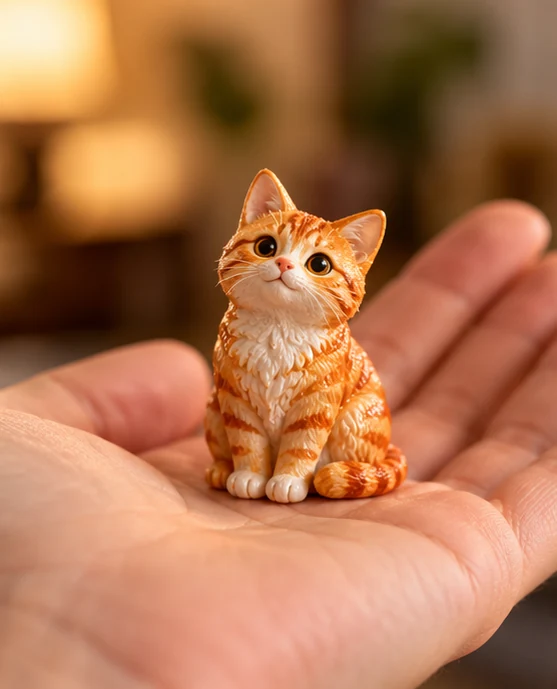
From a new look to a personal keepsake
Explore cinematic scenes, seasonal portraits and nostalgic camera looks, or turn a pet photo into a collectible-style image. Each style supplies its own creative direction, which you can refine before generating. Browse the full effects library when you want to compare looks across tools; choose one that fits the photo you want to make.
Choose a photo style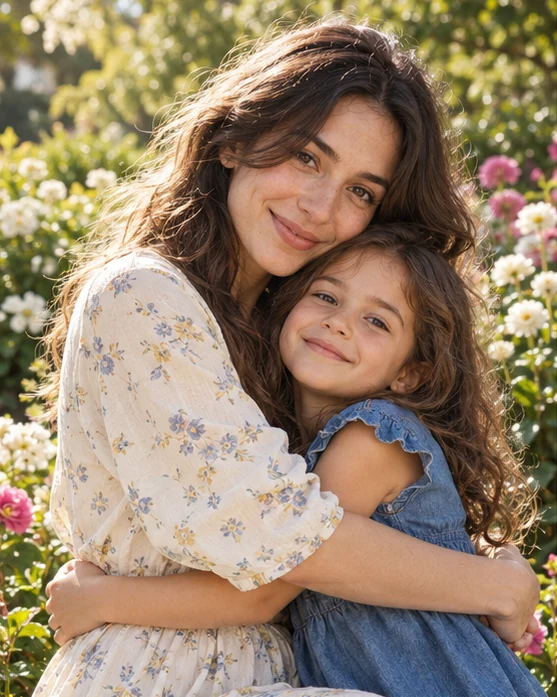
Give every person the right reference
Ordinary portrait styles use photos of the same person; pet styles use one recognizable animal. Together styles provide two labeled upload slots: one photo for each person, or a current photo followed by a childhood photo for Then and now. Keep faces clearly visible and check each role before submitting. AI may still change facial details.
Choose a photo style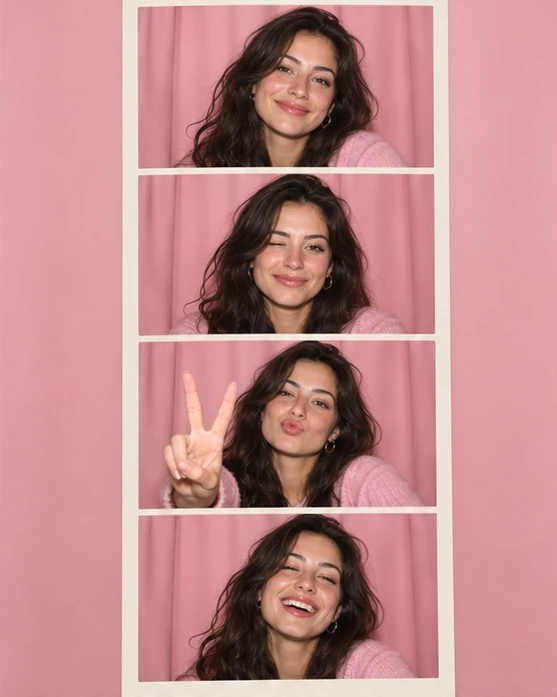
Finish the image with your own words
Photo strips and snow triptychs request a multi-panel composition in one AI image; panel counts and expressions can vary. Supported layouts let you add a title, date and border to an existing result and export a PNG without another generation charge. Review faces, hands and pet markings before sharing the finished keepsake.
Choose a photo styleBefore you create.
Can I create a photo with two people?+
Choose a Together style and upload one photo in each labeled role slot. For Then and now, use a current photo and a childhood photo. The model uses both references, but exact resemblance and identity separation are not guaranteed.
Are photo strips several separately generated photos?+
No. These styles request one AI-generated collage. Panel count, expressions and consistency can vary; the tool does not create a separately controlled set of three or four photos.
Can I add my own title or date?+
Supported collage, poster and scrapbook styles offer title, date and border controls on a completed image. The browser adds this lettering to the PNG export, without another generation charge.
Does this train a permanent model of me?+
No. Reference photos guide the selected task; this workflow does not train a personal model or create a permanent character profile.